
Safe from pickup to drop-off.
Every Privé trip comes with a private ride page. Nothing to download.
01
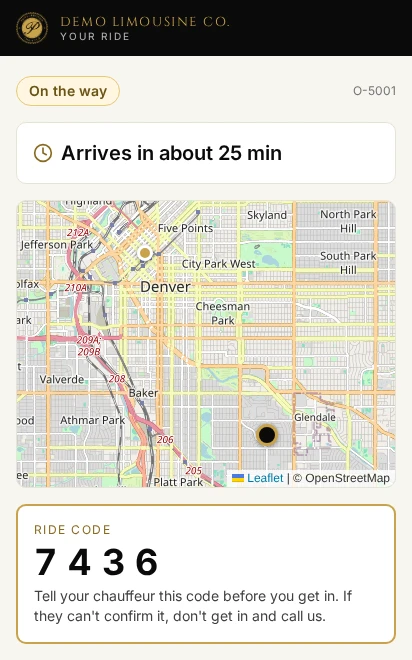
Track my ride
See the car on the map, the arrival time, and your chauffeur's photo, car and plate.
Running late? You hear it before you have to ask.
02
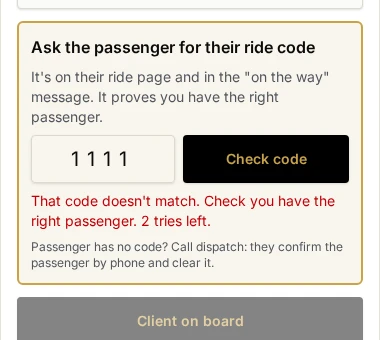
Ride code
Four digits for your trip. Your chauffeur enters them before you get in.
It makes sure you get into the right car with the right chauffeur.
03
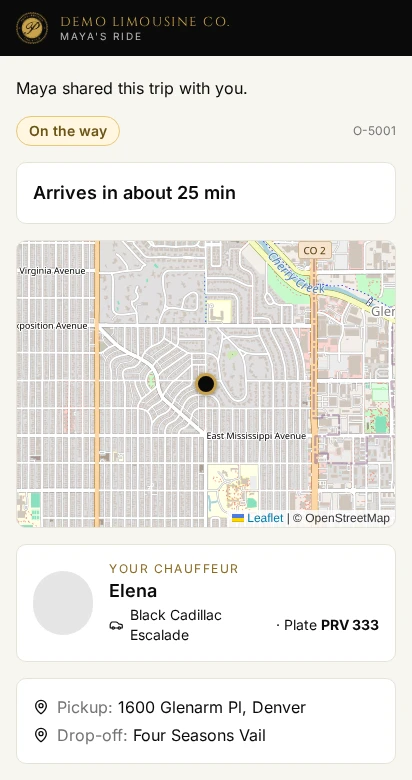
Share my ride
Send a live link to anyone. Up to three people get “picked up” and “arrived” messages.
04
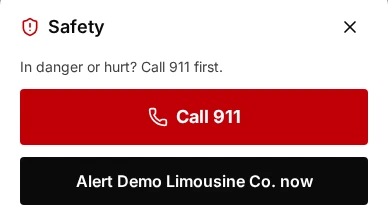
One tap for help
Call 911. Or alert the office and the Privé team right away, with your location.
05
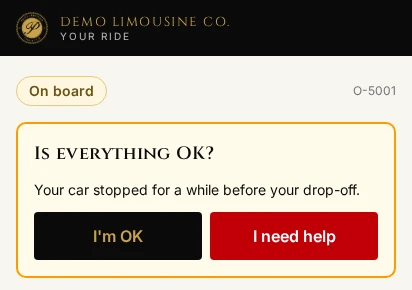
We notice
A long stop or a wrong turn alerts the office and asks you: Is everything OK?
Prefer a woman chauffeur? Ask when you book.
Preferred, not guaranteed. Women chauffeurs get the trip first.
On every trip
- 0
- apps to download
- 40+
- languages on the ride page
- 3
- people can follow your trip
- 24/7
- trip-day support